
Your own
virtual Android phone
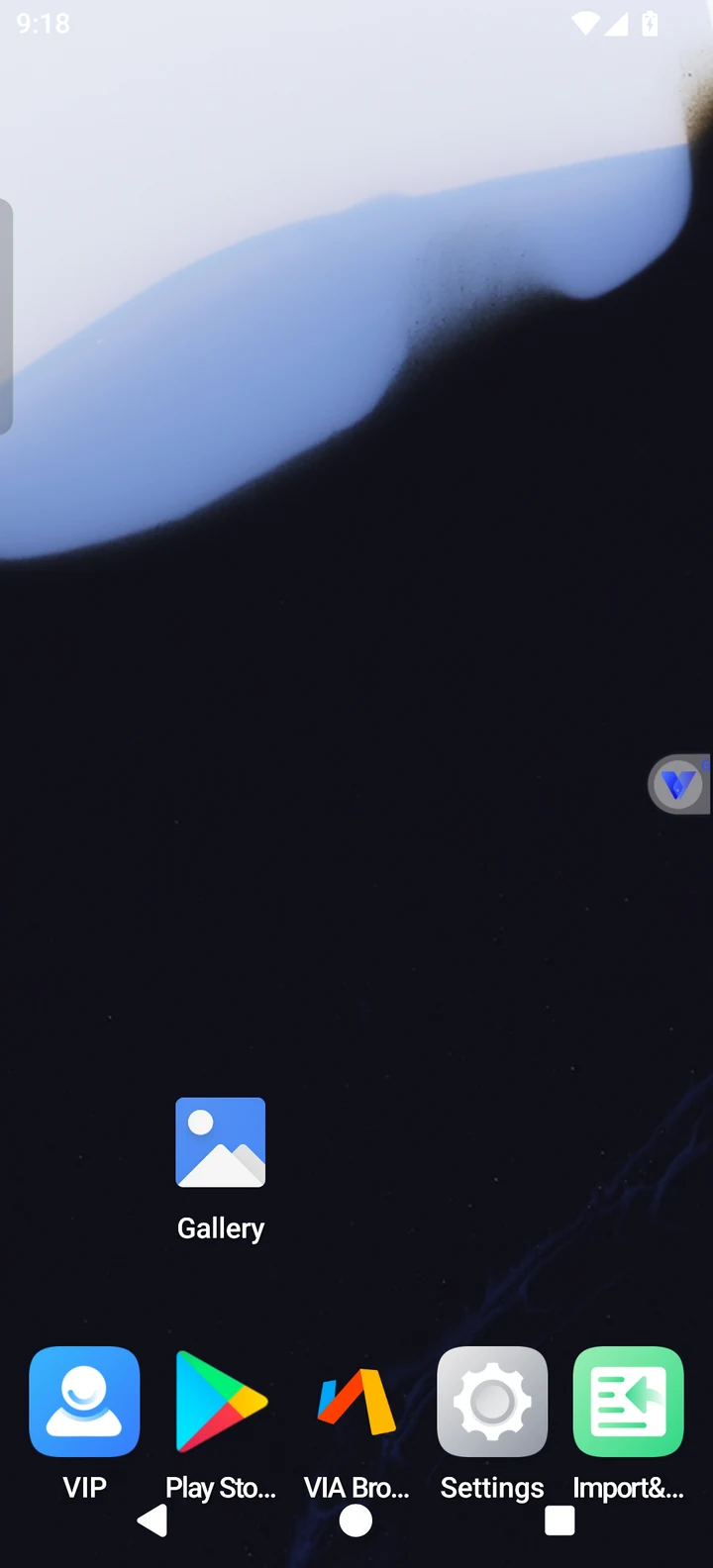
Create a separate Android environment on your phone, with support for Android 15 ROMs, 32-bit apps and multiple app instances.

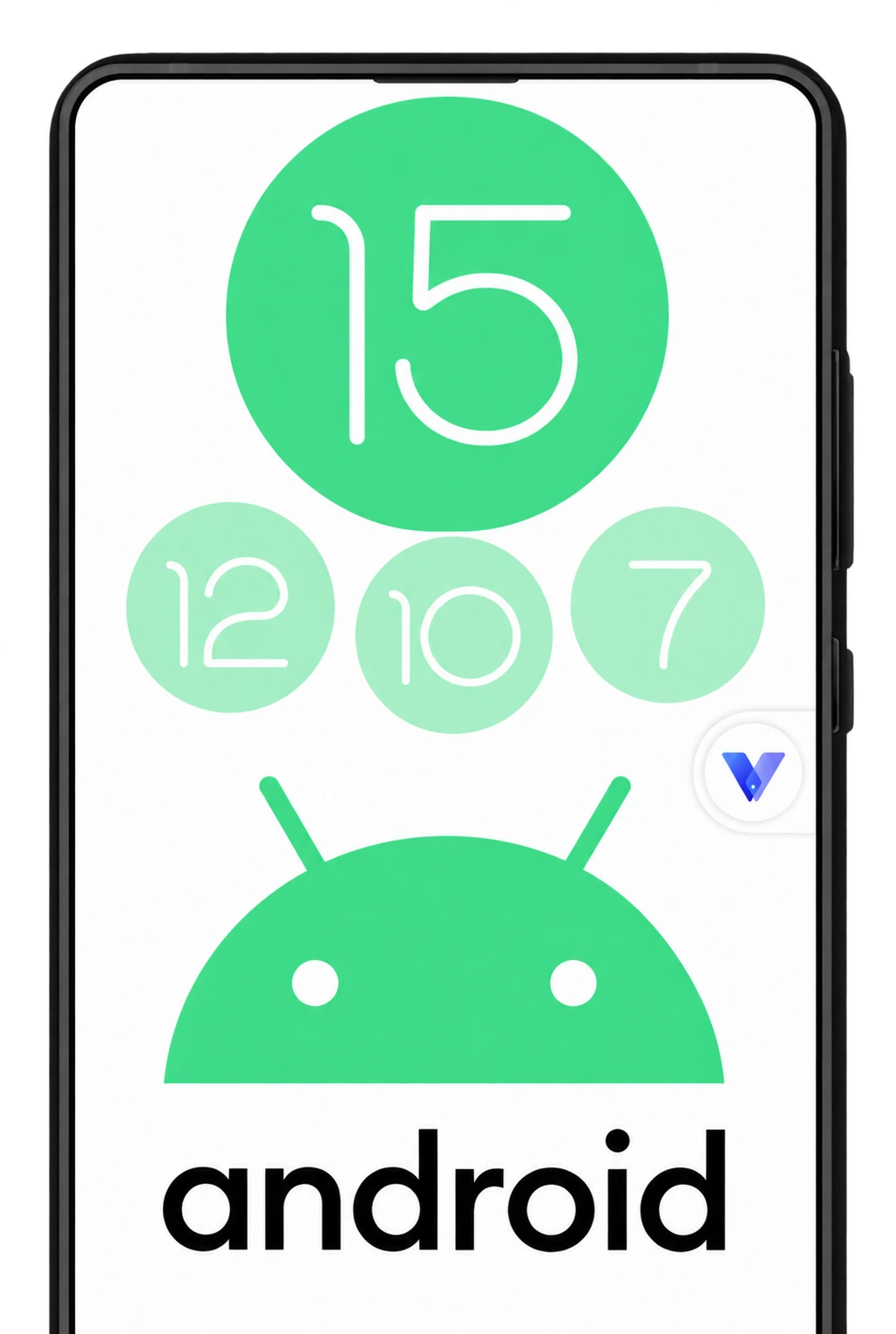
Android 15 ROM support
Choose Android 15, 12, 10 or 7 ROMs to suit your apps.
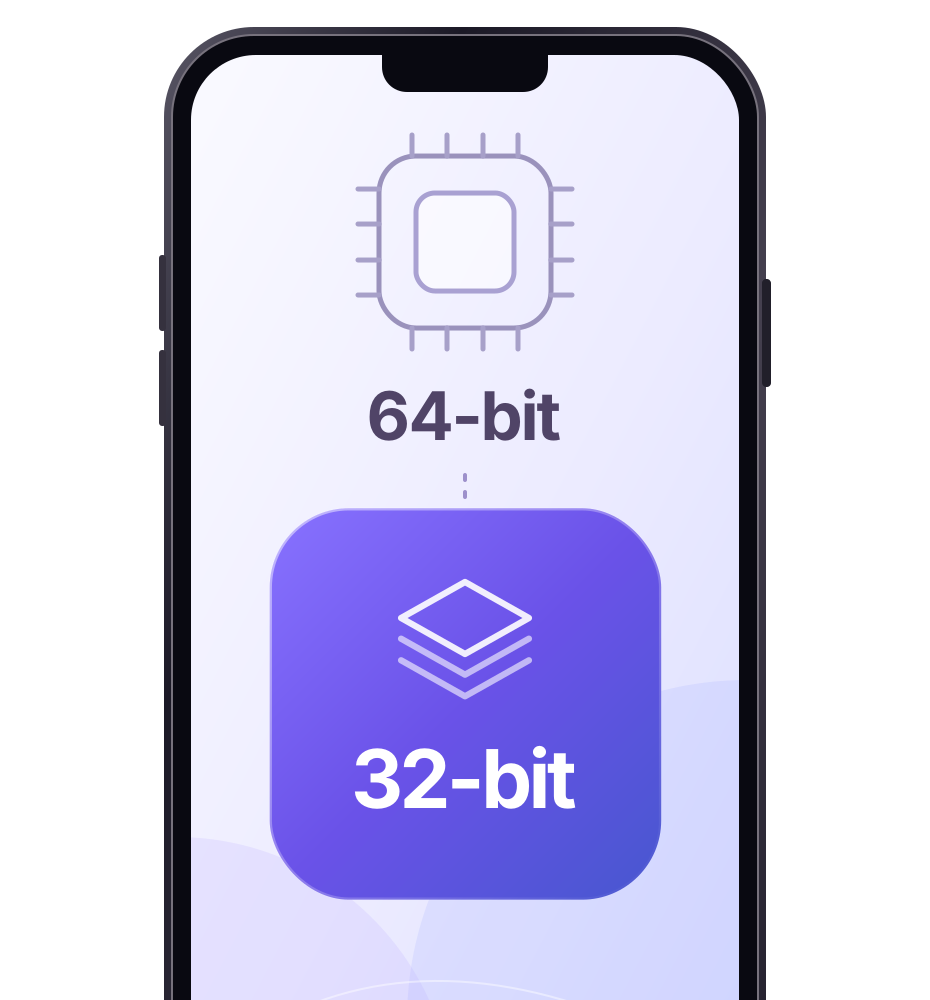
Run 32-bit apps on 64-bit phones
Run 32-bit apps smoothly on your 64-bit phone.
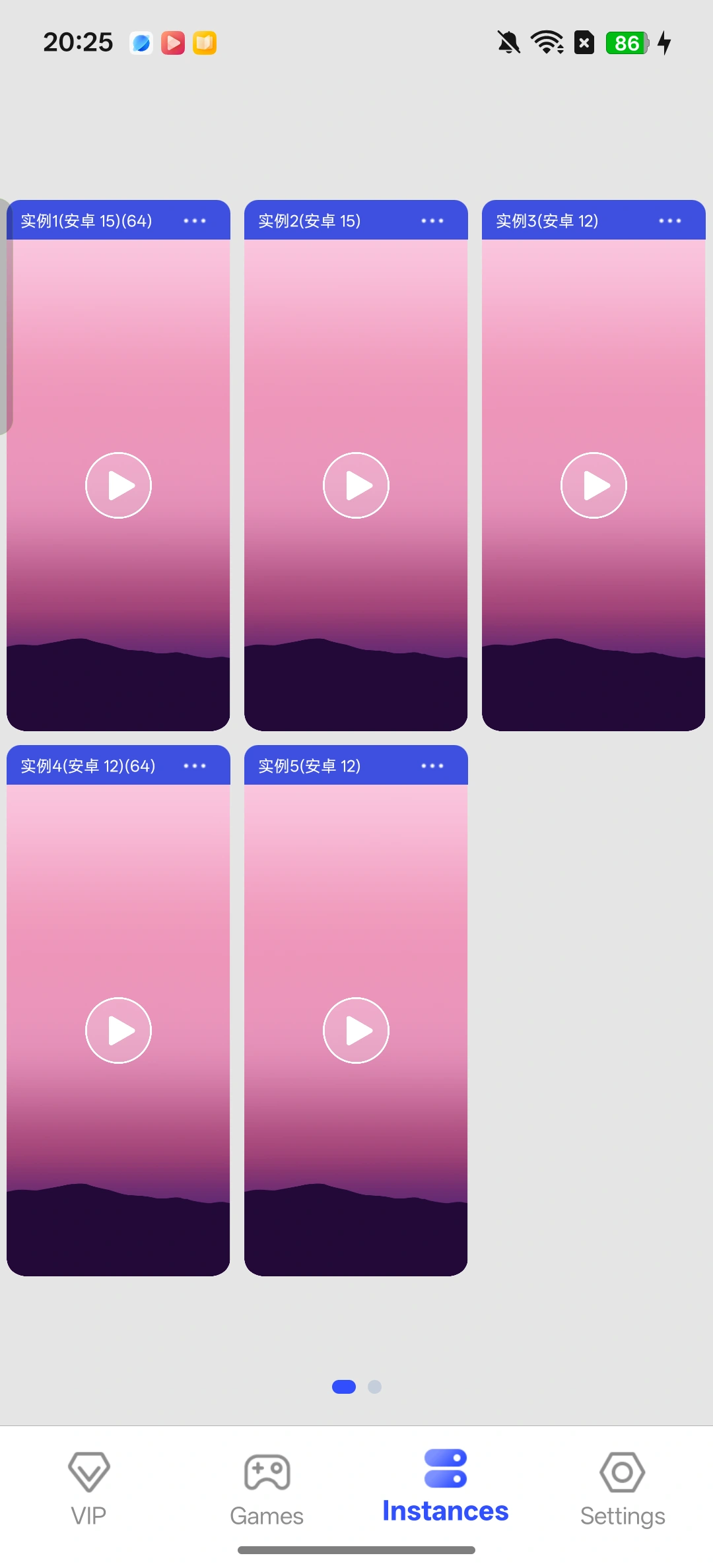
Run multiple virtual phones
Run multiple virtual phones on one device, keeping your games and apps separate.
Keep apps running in the background
Allow background activity to keep your games and apps running when you switch apps.

Install Magisk in your virtual phone
Install Magisk in supported virtual systems without unlocking your phone’s bootloader.

Windows on your Android phone
Play Steam and local PC games on your Android phone with Titan Engine.
