
The VPhoneOS User Guide
Install the app, set up a virtual phone and solve common problems.
Choose a guide below or search for your problem.
Download and install VPhoneOS
Download the official app, install it on your Android phone, and create your first virtual phone.
Read guide
Set up an Android 15 virtual machine
Choose a system, create your virtual machine and install your apps. You can also choose Android 12, 10 or 7.
Read guide
Run 32-bit apps on a 64-bit Android phone
Older app will not install on your 64-bit phone? Choose a virtual machine with 32-bit support and try it there.
Read guide
Use multiple Android virtual machines
Create multiple virtual machines for your apps and accounts. Learn to start, switch and stop them. Running more than one at a time requires Premium.
Read guide
VPhoneOS troubleshooting and common questions
Find help with crashes, a missing keyboard, slow virtual machines and file transfers.
Read guide
VPhoneOS keeps crashing? Collect logs and get help
Collect the right logs and screenshots so official support can investigate the crash.
Read guide
VPhoneOS closes in the background or when the screen is off
Does your virtual phone stop after switching apps or turning off the screen? Check the settings for your phone.
Read guide
VPhoneOS Premium features and purchase help
Check Premium features, missing purchases and sharing your Google Play VIP with the website version.
Read guide
VPhoneOS on Google Play: accounts, root and VPN
Compare the two editions, share your VIP and get help with Root, Magisk, VPNs or payments.
Read guide
Share your Google Play VIP with the website version
Use your Google Play VIP in the website version with a linked email account. If you already sign in by email, use that same account.
Read guide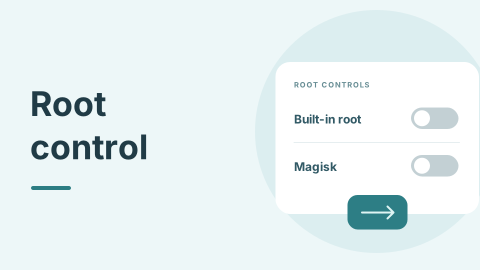
How to turn off built-in root in VPhoneOS
Use Root settings in the website version to turn off built-in root. The Google Play version has no Root switch.
Read guide
Is VPhoneOS safe? Data, permissions and root explained
Learn how your phone and virtual phone keep data separate, and how file sharing, permissions and Root work.
Read guide
Is VPhoneOS the same as VPhoneGaGa?
VPhoneGaGa is now VPhoneOS. Find the official website and help for existing users.
Read guide
Install Magisk in an Android virtual machine
Set the required switches, install Magisk and complete three restarts. This guide uses Android 12 and Magisk 30.7.
Read guide
Import apps and share files in VPhoneOS
Import app installation files from your phone and find where shared files are saved.
Read guide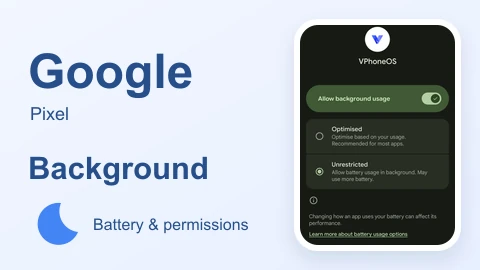
Google Pixel: keep VPhoneOS running in the background
Check background data and battery settings on Google Pixel, then test VPhoneOS after switching apps.
Read guide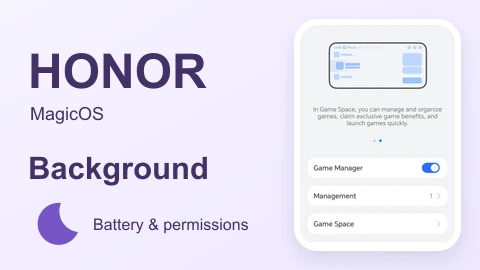
HONOR: keep VPhoneOS running in the background
Check background data and battery settings on HONOR, then test VPhoneOS after switching apps.
Read guide
Huawei: keep VPhoneOS running in the background
Allow background data and battery use on supported older phones. HarmonyOS 5 and later are not supported.
Read guide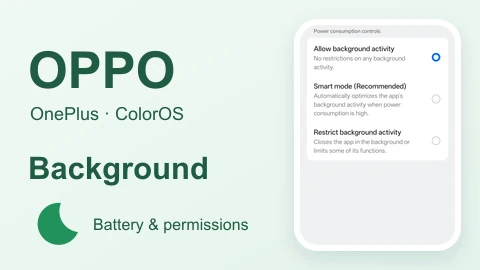
OnePlus / OPPO: keep VPhoneOS running in the background
Check background data and battery settings on OnePlus / OPPO, then test VPhoneOS after switching apps.
Read guide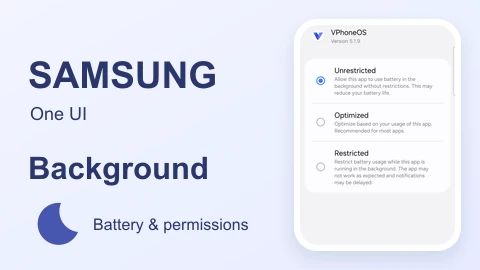
Samsung: keep VPhoneOS running in the background
Check background data and battery settings on Samsung, then test VPhoneOS after switching apps.
Read guide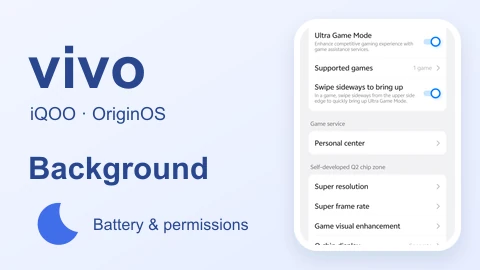
vivo / iQOO: keep VPhoneOS running in the background
Check background data and battery settings on vivo / iQOO, then test VPhoneOS after switching apps.
Read guide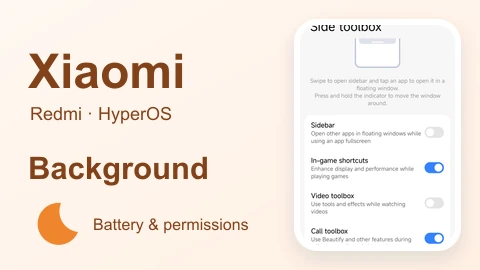
Xiaomi / Redmi: keep VPhoneOS running in the background
Check background data and battery settings on Xiaomi / Redmi, then test VPhoneOS after switching apps.
Read guide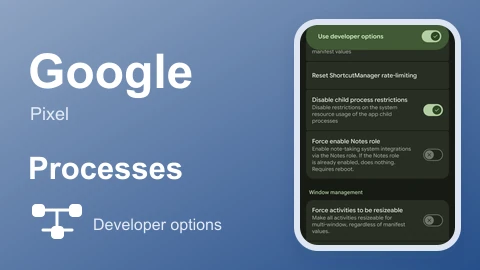
Google Pixel: disable child process restrictions
Open developer options on Google Pixel, find the child process switch and recheck your virtual phone.
Read guide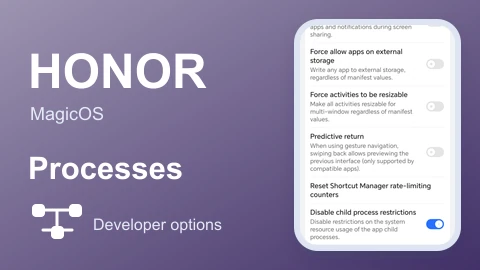
HONOR: disable child process restrictions
Open developer options on HONOR, find the child process switch and recheck your virtual phone.
Read guide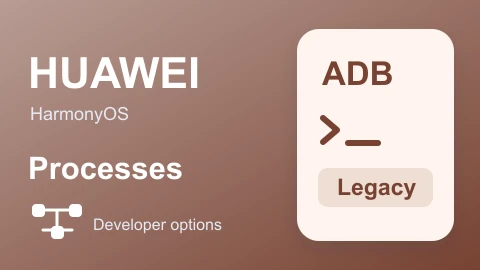
Huawei: change child process limits with a PC
For supported older Huawei systems, use a PC and USB cable to check child process limits. HarmonyOS 5 and later are unsupported.
Read guide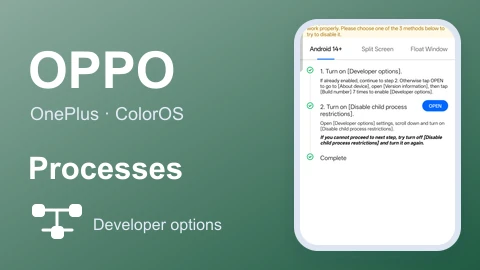
OnePlus / OPPO: disable child process restrictions
Open developer options on OnePlus / OPPO, find the child process switch and recheck your virtual phone.
Read guide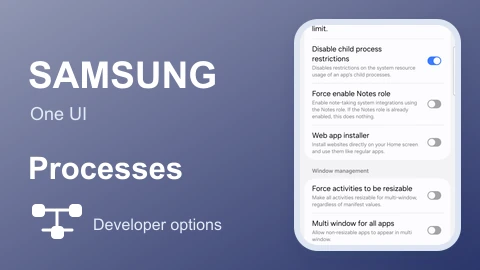
Samsung: disable child process restrictions
Open developer options on Samsung, find the child process switch and recheck your virtual phone.
Read guide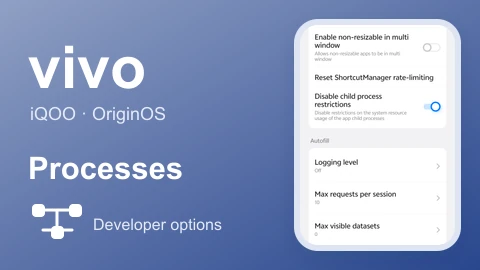
vivo / iQOO: disable child process restrictions
Open developer options on vivo / iQOO, find the child process switch and recheck your virtual phone.
Read guide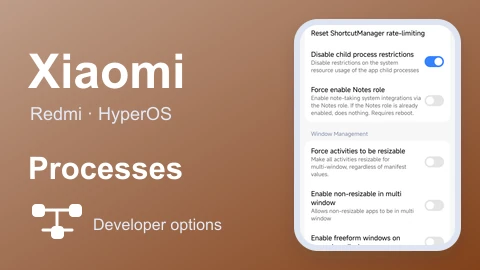
Xiaomi / Redmi: disable child process restrictions
Open developer options on Xiaomi / Redmi, find the child process switch and recheck your virtual phone.
Read guide
Back up and restore an Android virtual phone
Save and restore a virtual phone backup. This guide verifies restoring on the same phone.
Read guideNo matching guides yet
Try “Android 15”, “32-bit” or “background”, or browse all guides.
Still need a hand?
Have your phone model, system version and a description of the issue ready.